Scan a barcode
Open Scan and line up the barcode on the packaging. CutWise looks for a matching product record.
Barcode food logging
Breakfast cereal, a protein bar or something from the supermarket: use Scan to look up a packaged food, check its nutrition details and log the amount you actually had.
 7 days free
Open Scan and line up the barcode on the packaging. CutWise looks for a matching product record.
Confirm the food matches your packaging. Set your portion and check whether the nutrition information refers to a serving or a quantity such as 100 grams.
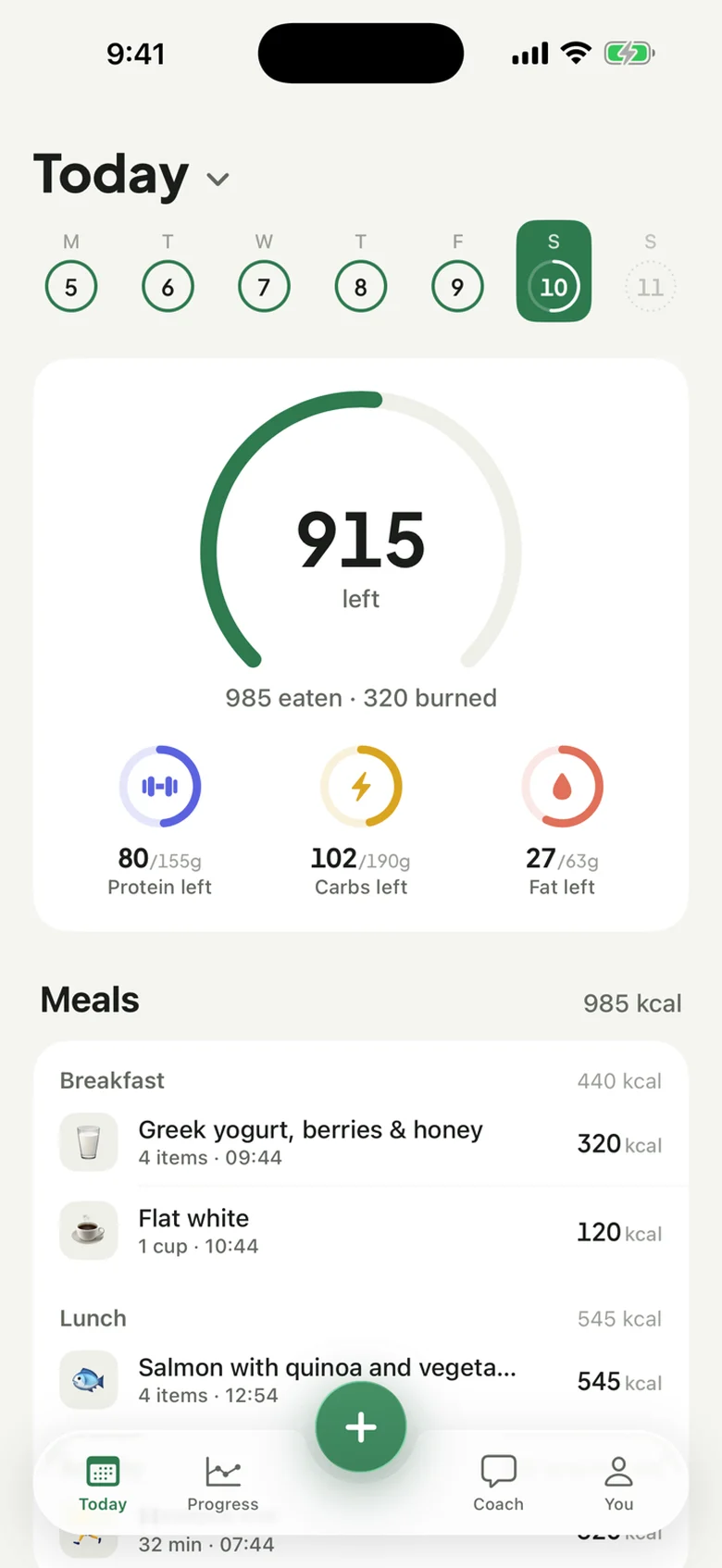
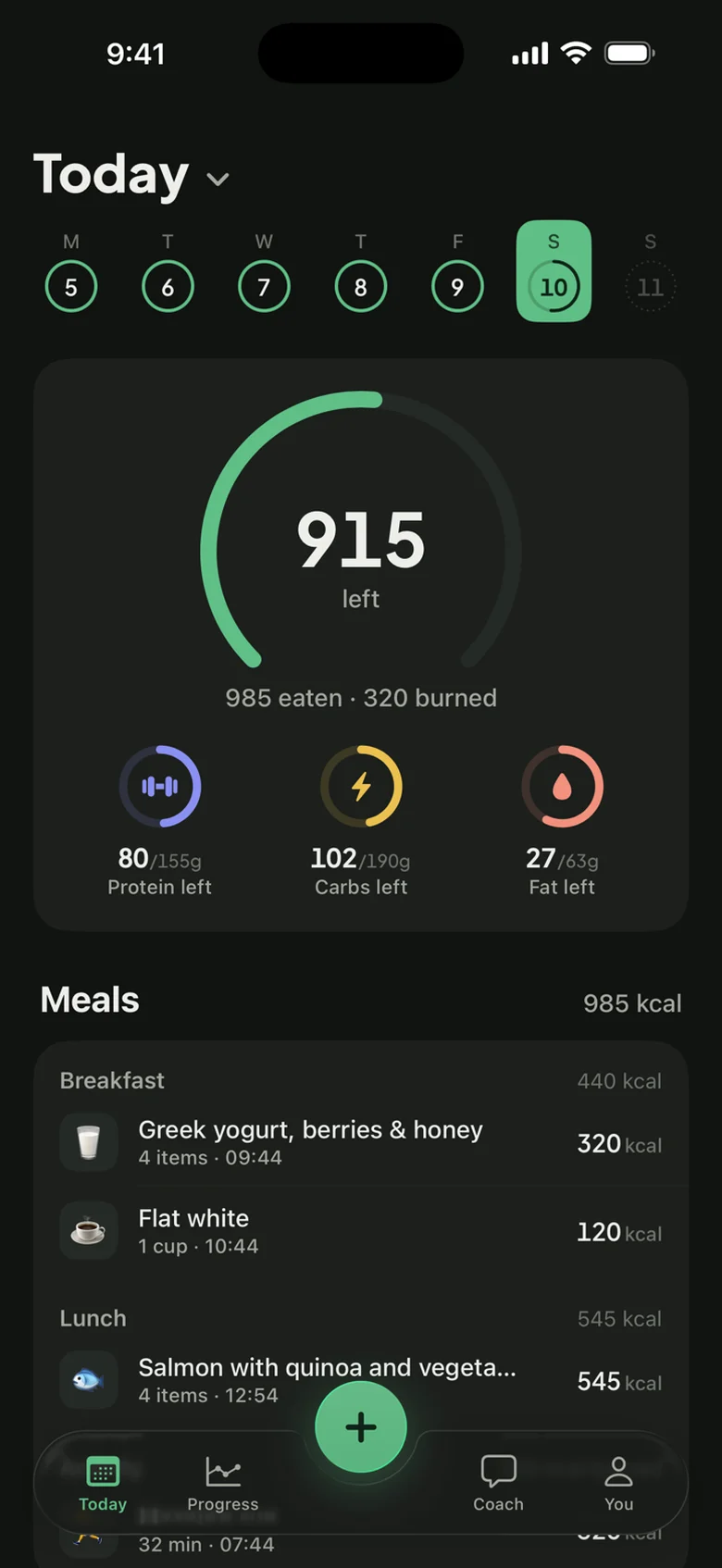
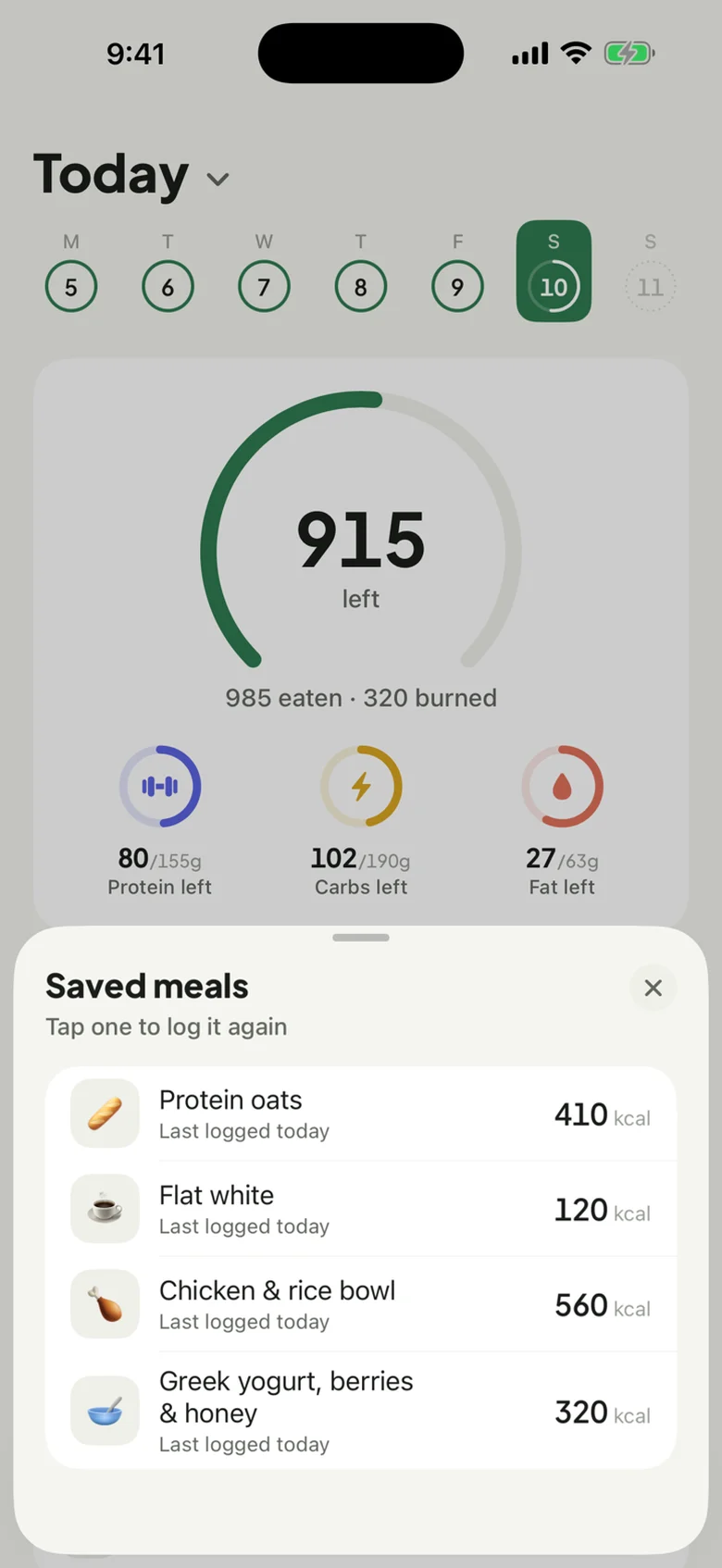
Confirm the entry to add its calories and macros to your day. Packaged foods sit alongside the meals you log by photo, text or voice.
Product records can vary in completeness and may not match a changed recipe or a different pack size. Check the label and portion before confirming. When a complete nutrition record is available, CutWise uses its portion flow; sparse information can fall back to an AI estimate that you review. A barcode result should not be treated as a guarantee of precise nutrition.
If a pack contains two servings and you ate the whole pack, make sure your logged portion reflects both servings.
No. Coverage depends on the product information available. If a product is missing or incomplete, you can describe the food instead and review the estimate.
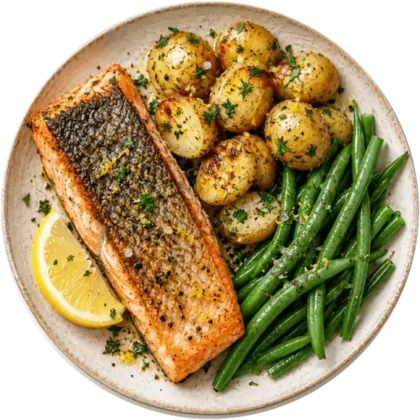
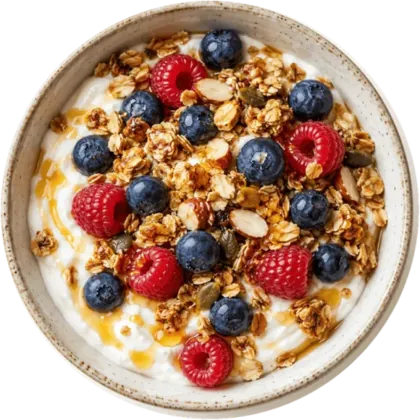
Yes. A barcode looks up a packaged product; a meal photo asks AI to estimate what is on a plate. Both need the right portion to make a useful log.
Yes. Scan packaged foods, photograph a plate, type a meal or describe it out loud. The confirmed entries appear together in your daily totals.
On iPhone. Try everything free for 7 days on the yearly plan.